
• Abdul Malik (AM) • GSM6-Development • 1 min
Google Pixel Technicians Toolkit v2.0.0 | First Release - IMEI 0 Fix
Introduction: Your Raw Fix for Pixel Software Nightmares
If you own a Google Pixel device, especially models like the Pixel 6, Pixel 7, or Pixel 8, you already know how frustrating certain software issues can be after major OTA updates. Critical bugs, like the sudden and dreaded IMEI 0 error, which was widely reported after the recent November security patch, leave your device effectively useless. Many technicians also struggle with deep-level problems like slot corruption and failed security checks. To solve this, we are releasing the very first, dedicated version of our Google Pixel Technicians Toolkit (v2.0.0).
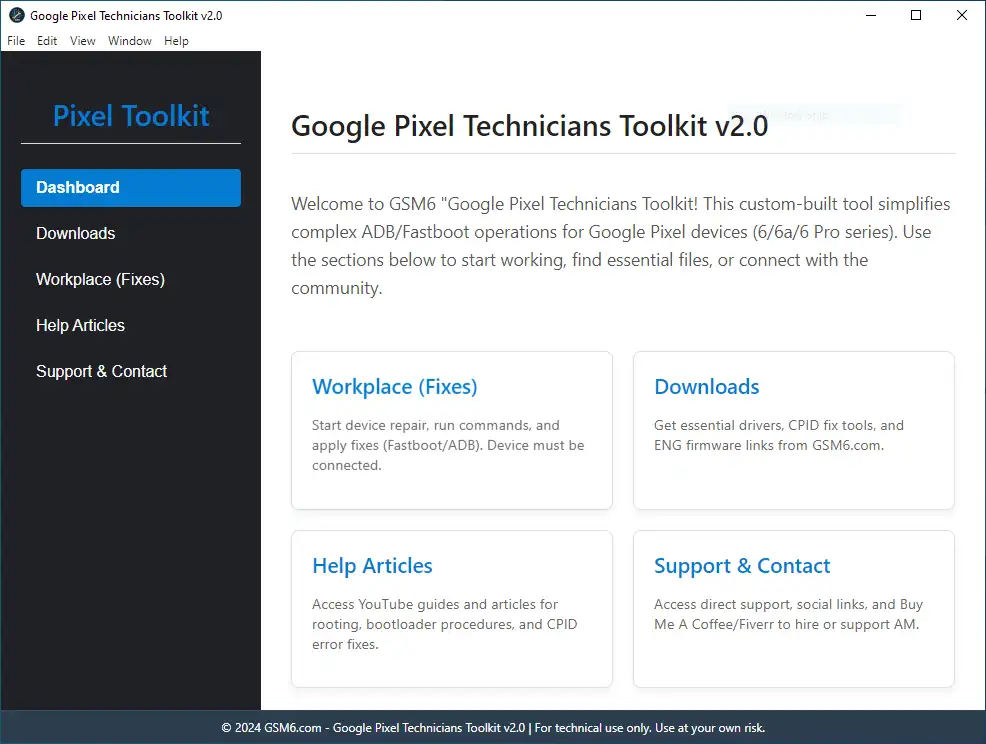
Google Pixel Technicians Toolkit v2.0.0 - First Release - Home Screen
This tool is designed specifically for Pixel repair enthusiasts, GSM technicians, and advanced users who need a clean, stable, and raw method to unbrick their devices and perform essential low-level fixes that ADB/Fastboot alone cannot handle.
Key Features in Google Pixel Technicians Toolkit v2.0.0: The Essential Toolkit
This is not a toy. This is the first professional release of a tool designed to tackle real, persistent Pixel security and connection issues.
Fix IMEI 0 Issue: Patch and immediately restore your device’s IMEI/MEID after the November build bug or any related software corruption that caused the IMEI Zero failure.
Bootloader Lock/Relock: Easily and securely control the bootloader status. Lock/Relock your Pixel for warranty claims or Unlock it for deeper system modifications and custom ROM flashing.
Fix Active Slot (A/B): The tool is designed to easily resolve active slot-related issues (common after failed OTAs or manual flashes), ensuring your phone boots correctly and eliminates the “No Active Slot” error.
Pixel-Specific Tools: All functions are coded to work seamlessly and quickly on Google Pixel devices. This is a focused toolkit, no unnecessary clutter, just raw repair power.
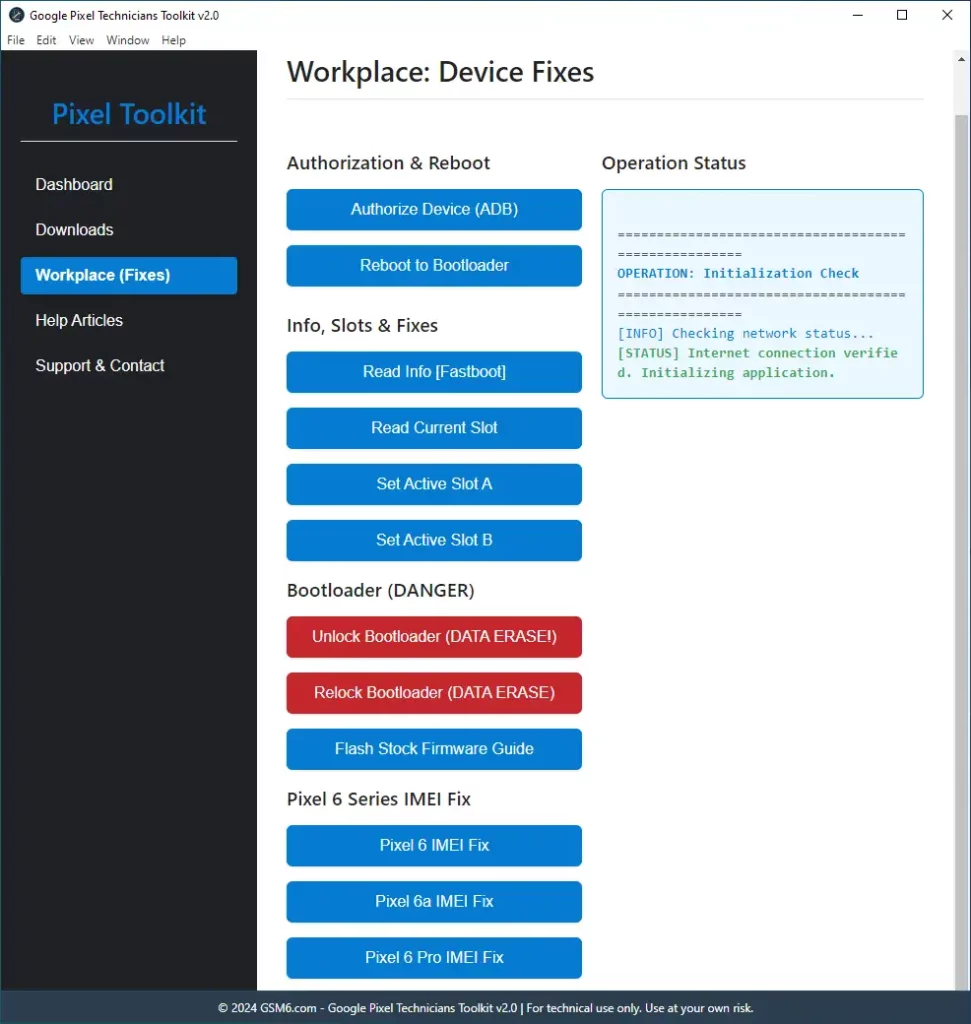
Google Pixel Technicians Toolkit v2.0.0 - First Release Features
- Future Updates Ready: This is just the first, stable release. We have serious planned features, including network unlock, advanced FRP bypass, and deeper EDL/programmer mode functions, coming soon.
Why This Toolkit is Essential for Technicians
Designed by technicians, for technicians. We cut out the fluff and focused on stability and speed. This is a lightweight, fast utility that doesn’t require heavy custom setups or messy configurations. It is compatible with multiple modern Pixel models and is entirely based on solving real-world problems and error codes reported across the community.
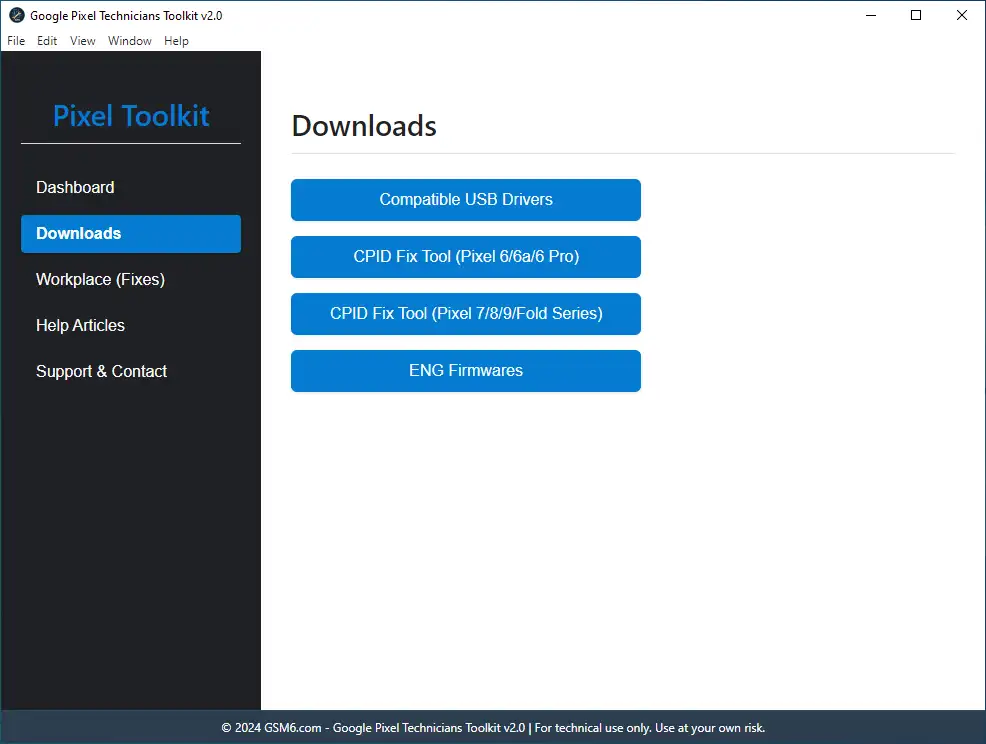
Google Pixel Technicians Toolkit v2.0.0 - First Release Download Section
Who Should Use This Professional Utility?
GSM Repair Shops that need a fast, reliable solution for common IMEI and bootloader issues.
Freelance Android Technicians who require a simple, single tool for complex Pixel fixes.
Power Users who frequently flash, root, or unlock their Pixel and need a safety net.
Anyone facing IMEI 0 or Slot Corruption issues after an OTA update or flashing failure.
Download & Availability: Get the Toolkit
We provide both a standard installer and a portable version. The portable version is best for repair shops using multiple computers or those who prefer no installation.
Requirements:
Windows 7 to windows 11 (x86-x64)
we have just started & currently its only available for windows. mac & linux development currently in progress, stay tuned!Compatible Android USB Drivers. (Link)
Google Pixel Stock firmware (Optional) =>> Get from Official Source
(Current version: Google Pixel Technicians Toolkit v2.0.0)
Google Pixel Toolkit Specifications
| Specification | Details |
|---|---|
| Tool Name | Google Pixel Technicians Toolkit |
| Version | v2.0.0 (First Release) |
| Platform | Windows 7/8/10/11 (x86/x64) |
| File Size | ~150 MB |
| License | Freeware |
| Price | Completely Free |
| Password | gsm6.com |
| SHA-256 Portable | eb00bca5aaecd208d138af562503c11ec1cfe74f |
| SHA-256 Installer | d61186f35249521f27908bf1fb903df436ae3d4a |
Download Options
🔐 Trust & Verification:
This tool has also been featured on XDA Developers and Softpedia, two of the most trusted platforms in the Android modding and software community.
| Reference | Link | Purpose |
|---|---|---|
| Softpedia Listing | Softpedia Secure Server | Verified mirror & safety check |
| XDA Developers Thread | Read Discussion | Community feedback & updates |
Features Comparison
| Feature | Portable Version | Installer Version |
|---|---|---|
| IMEI 0 Fix | Yes | Yes |
| Bootloader Lock/Unlock | Yes | Yes |
| Active Slot Repair | Yes | Yes |
| No Installation | Yes | No |
| Registry Changes | No | Yes |
| Desktop Shortcut | No | Yes |
| Automatic Updates | No | Yes |
Google Pixel IMEI 0000 after November Update fix & lock the bootloader Video Guide:
in this video i have fixed imei 0 issue on google pixel 6 (oriole) currently running on android 16 september 2025 build (BP3A.250905.014) QPR1. i am using windows 10 64bit.
Video Tutorial
Watch this guide for visual instructions
Uploaded: January 9, 2026
“Google Pixel Toolkit v2.0.0 Technicians Edition to Fix imei 0 on pixel 6, 6a, 6 pro One-Click + relock bootloader.”
Disclaimer
Google Pixel Technicians Toolkit is provided purely for educational, advanced repair, and authorized servicing purposes. Always back up your device before applying any fixes. The author is not responsible for misuse, data loss, or device damage resulting from improper application of these tools.
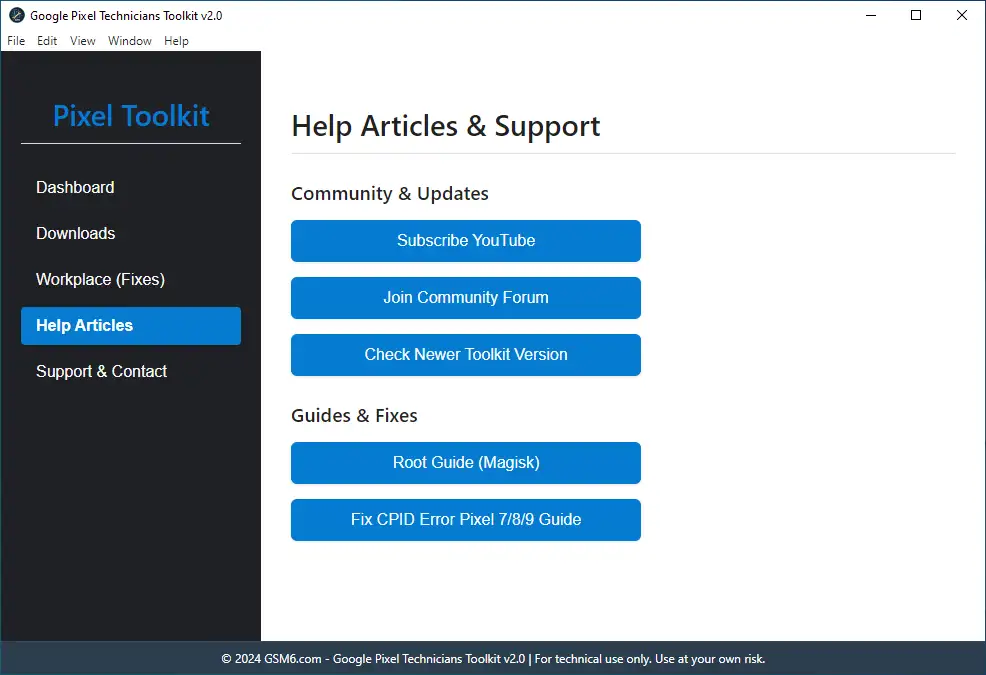
Google Pixel Technicians Toolkit v2.0.0 Help & support Section.
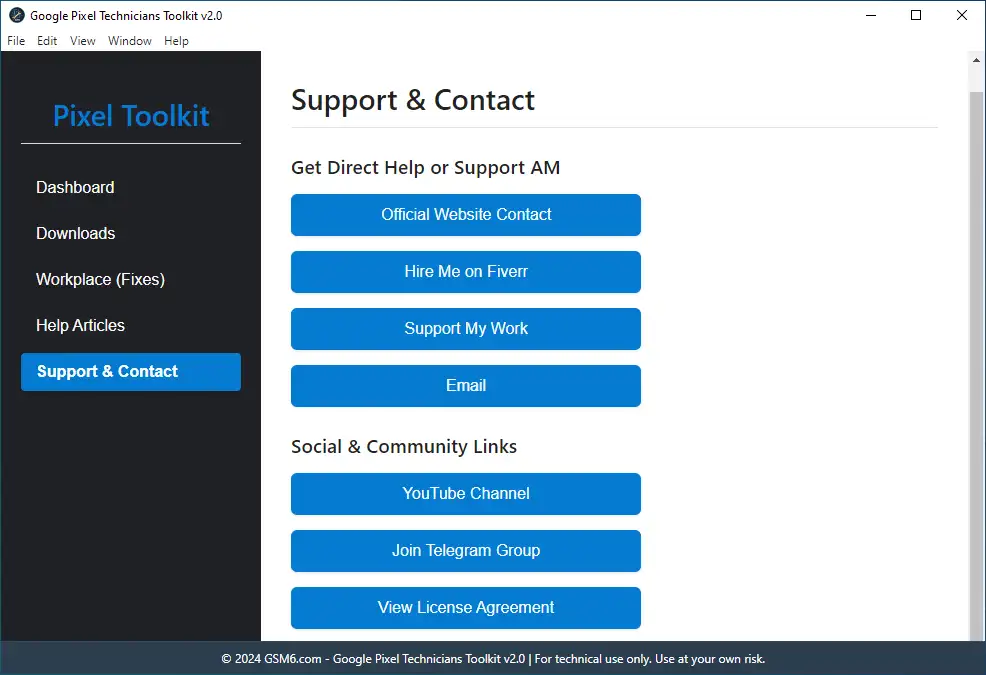
Google Pixel Technicians Toolkit v2.0.0 - Support & Contact
Frequently Asked Questions
Q1. What does the “IMEI 0 Fix” function in the toolkit actually repair?
The IMEI 0 Fix function directly addresses the core software partition that got corrupted, which often happens after a failed update or patch on devices like the Pixel 6, 7, and 8. It restores the device’s unique identifier (the IMEI) to a readable state, solving the “No Service” or “IMEI Null” error so the phone can connect to the cellular network again. This is a critical fix, not just a temporary patch.
Q2. Does this toolkit work on the newest Google Pixel models, like the Pixel 8 Pro?
Google Pixel Technicians Toolkit v2.0.0 is confirmed to work on modern Pixel devices, including the Pixel 6, Pixel 7, and Pixel 8 series. It targets the common software architecture shared by these recent models, especially for Active Slot” issues that plague the newest versions. but for imei 0 it has only support for Pixel 6, 6a & 6 pro. other models are currently under development.
Q3. I have the “invalid android images, skip locking” error when using Fastboot. Can the toolkit fix this?
Yes, this error is the most common sign of a failed bootloader relock attempt when your device has been tampered with or custom firmware was installed. you need to flash full stock firmware in case of that error, or there’s a button for the guide available in the tool.
Q4. How does the tool “Fix Active Slot” when a device is stuck in a bootloop?
Pixel devices use A/B partitioning (Slot A and Slot B). If a bad OTA updates one slot and the phone fails to boot (bootloop), it gets stuck. The toolkit lets you forcefully “change the active slot”, resetting the boot attempt count and allowing you to load the known-good partition (Slot A or Slot B), effectively unbricking the device from a soft brick state.
Q5. Is the Google Pixel Technicians Toolkit safe to use?
Yes. The toolkit is a professional utility designed to use manufacturer-level commands to interact with the device. However, as with any low-level tool, we always urge technicians to back up critical partitions like persist or modem before running any fix, as these contain crucial, un-regeneratable data.
Q6. Do I need a special driver installed for the toolkit to work?
Yes, you must have the official Google ADB and Fastboot drivers (Platform Tools) correctly installed and recognized by Windows. If your PC sees the device, the toolkit will be able to communicate with it. Compatible USB drivers link can be found in the Tool’s Downloads Section.
Q7. Is this toolkit the same as the old “Pixel Repair Tool” from Google?
No. The Google Repair Tool is an official web-based utility for general software fixes. The Pixel Technicians Toolkit is a specialized, raw utility built by technicians to solve deep-level, persistent errors like IMEI 0 and Slot Corruption that the official Google tool often cannot address.
Q8. Will using the toolkit break my Google Pay or banking apps?
The toolkit helps you Lock the Bootloader after you have performed repairs and flashed official firmware. Relocking the bootloader is what restores the full functionality of verified apps, including Google Pay, by resetting the device’s Verified Boot Status.
This Article Solves Following High-Value Search Queries
- Pixel 6 / 7 / 8 IMEI 0 Fix after OTA Update**
- Google Pixel Technicians Toolkit v2.0.0 Download**
- Fix Invalid Android Images Skip Locking Error**
- Permanent Pixel IMEI Null Repair Solution**
- Tool to Fix Active Slot A/B Partition Corruption**
- How to Lock Pixel Bootloader Without Fastboot Command**
- Pixel Device Stuck in Fastboot Mode Slot Fix**
- Restore IMEI and Baseband after Flashing Failure**
- Pixel Slot Repair Utility Free Download**
- Pixel IMEI 0 Tool for Windows 11**
- Google Pixel Bootloader Relock After Root**
- Pixel IMEI 0 Fix with Pixel tool v2.0.0**


Author:
Abdul MalikMobile Software Expert and founder of GSM6.com. Specializes in FRP bypass, IMEI repair, and advanced mobile tools. All tutorials are tested on real devices for accuracy and safety.


